- Follow Us On :

Step 1 : First create a excel sheet and save it with Macro enabled extension,make some entry
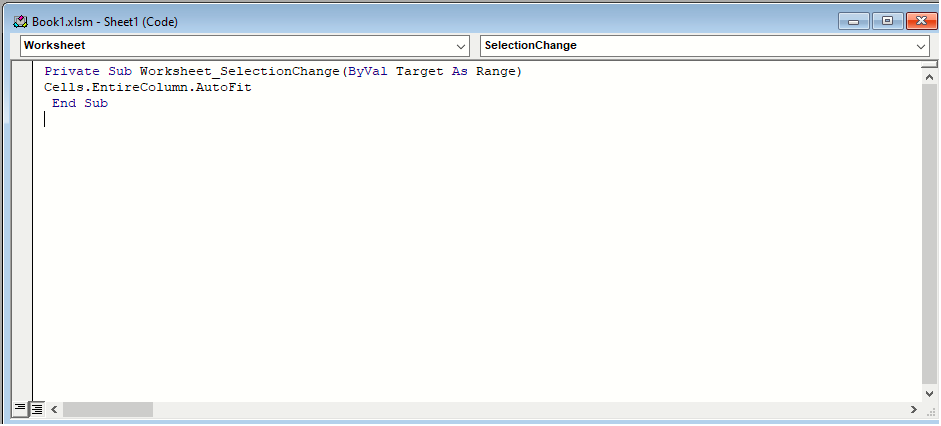
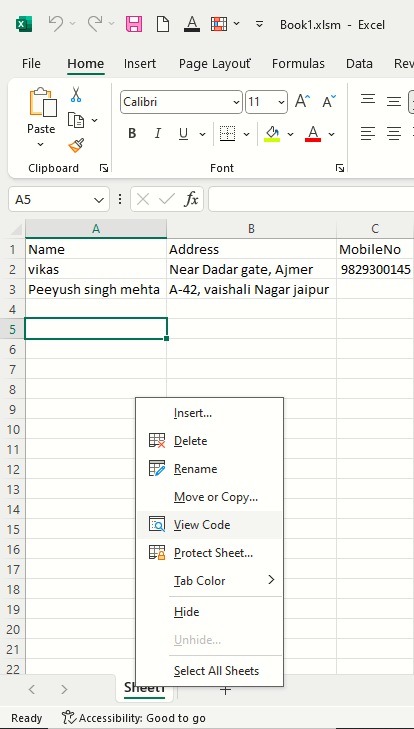 Step 2 : Now select worksheet in dropdownlist and write this code
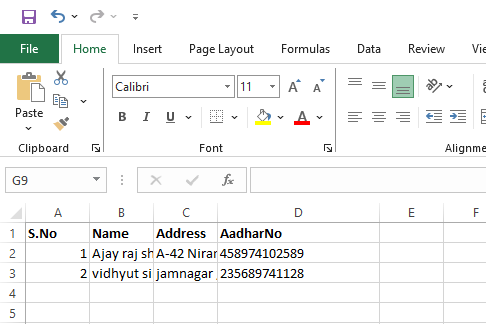 Step 1 : Press Ctrl + A
Step 2 : Now Press Alt, then release key
Step 1 : Press Ctrl + A
Step 2 : Now Press Alt, then release key
press H then release key
press O then release key
press I then release key
it adjust width of the column
Step 3 : Now Press Alt, then release key
press H then release key
press O then release key
press A then release key
it adjust height of the column

How to Make a Entry Form in Excel
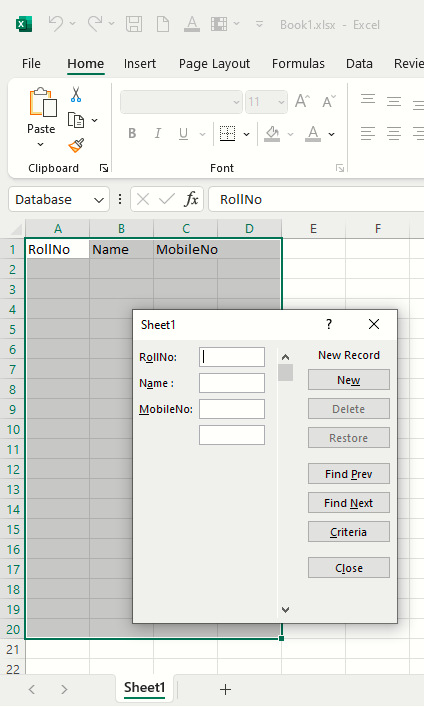
Step 1 : First create a excel sheet and make column according to your requirement as seen in the screenshot, be noticed that select the range first where u want to enter the record.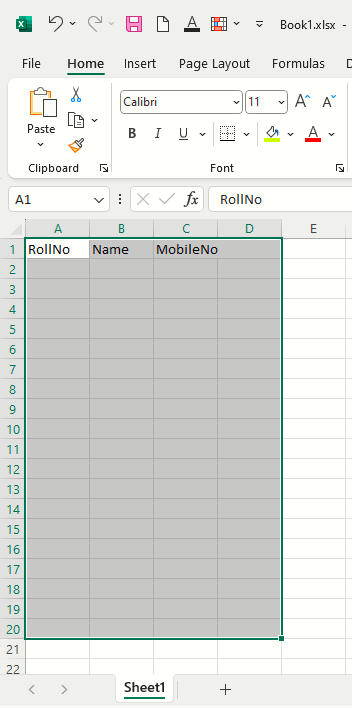 Step 2 : Now press ALT + D + O + O from the keyboard and after that we will get a pop up box just press Ok button
and start your Entry, it look like that
Step 2 : Now press ALT + D + O + O from the keyboard and after that we will get a pop up box just press Ok button
and start your Entry, it look like that